
The Flow Settings Tab is where you can configure the Flow you are currently on.
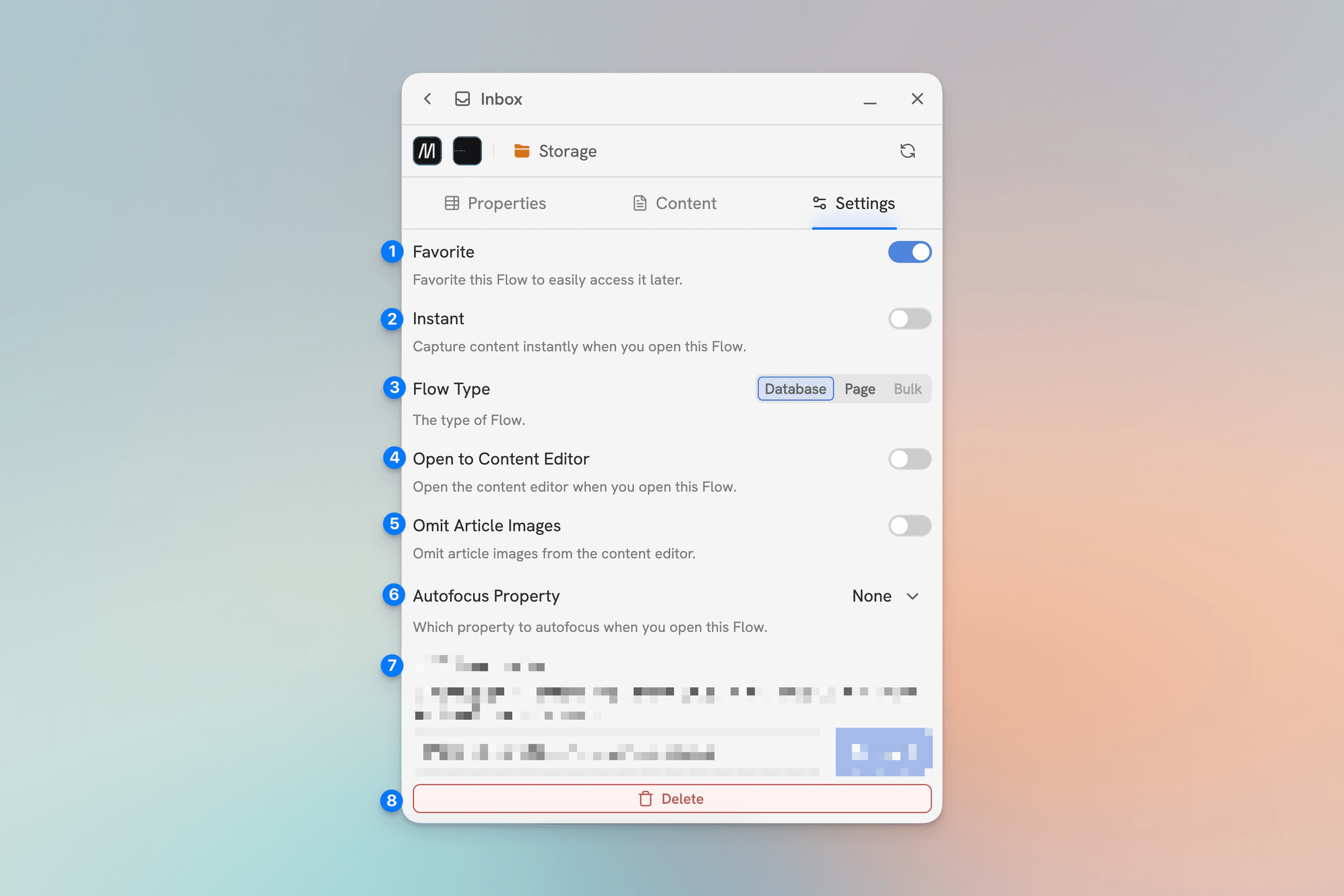
- Favorite – This will add the Flow to your list of favorites.
- Instant – Toggle Instant Capture on and off. (Note: This will disable/override the Open to Content Editor setting.)
- Capture Mode – Change the Capture Mode
- Open to Content Editor – Enabling this settings will make the Flow open directly to the Content Editor.
- Omit Article Images – Omits images from article captures.
- Autofocus Property – Which property to focus on when the Flow is opened, if any. It can focus the first property, the first empty property, or note focus on any property.
- REDACTED – 😉
- Delete – Delete the Flow.